Course Overview
Diploma in Animation (1 Year)
From Drawing Fundamentals to Professional Animation Portfolio
The 1-Year Diploma in Animation at Ankona School of Arts is a comprehensive, career-focused program designed to train students in 2D animation, visual storytelling, character animation, and industry-ready workflows. This course builds strong artistic foundations while guiding students toward professional animation practices used in films, games, advertising, and digital media.
Whether you are a beginner or an art student looking to specialize in animation, this diploma prepares you with technical skills, creative confidence, and a job-ready portfolio.
Course Overview
Duration: 1 Year (12 Months)
Mode: Online / Hybrid
Level: Beginner to Advanced
Focus: Fundamentals + Production-Ready Skills + Portfolio
Outcome: Diploma Certificate & Professional Showreel
What You Will Learn
- Strong drawing and animation fundamentals
- Visual storytelling and motion principles
- Character animation and acting
- Traditional and digital animation workflows
- Industry-standard animation tools
- Portfolio and showreel development
1-Year Animation Diploma Curriculum
Module 1: Drawing Fundamentals for Animation
- Line confidence and tapered strokes
- Gesture drawing and movement
- Basic anatomy for animation
- Shape, form, and volume
- Perspective fundamentals
- Outcome: Strong drawing foundation for animation
Module 2: Animation Principles
- 12 Principles of Animation
- Timing, spacing, and arcs
- Weight, balance, and motion
- Anticipation and follow-through
- Animation mechanics exercises
- Outcome: Understanding how movement works
Module 3: Traditional Animation Fundamentals
- Frame-by-frame animation basics
- Walk and run cycles
- Bouncing ball and pendulum studies
- Hand-drawn animation techniques
- Clean-up and line quality
- Outcome: Core animation discipline and control
Module 4: Character Design for Animation
- Character shape language
- Proportion and stylization
- Expression and emotion design
- Turnarounds and poses
- Animation-ready character creation
- Outcome: Animation-friendly character designs
Module 5: Character Animation & Acting
- Body mechanics
- Facial animation basics
- Lip-sync fundamentals
- Acting through poses
- Performance and storytelling
- Outcome: Believable and expressive animation
Module 6: Storyboarding & Visual Storytelling
- Shot composition and camera angles
- Storyboarding for animation
- Scene continuity and flow
- Visual narrative techniques
- Pre-production planning
- Outcome: Storytelling clarity and planning skills
Module 7: 2D Digital Animation Tools
- Introduction to 2D animation software
- Digital workflow and timelines
- Keyframes and in-betweens
- Scene assembly and rendering
- Industry-style production pipeline
- Outcome: Professional digital animation skills
Module 8: Backgrounds & Environment Basics
- Perspective for environments
- Simple background painting
- Color and mood for scenes
- Integration of characters and backgrounds
- Outcome: Complete animated scene creation
Module 9: Portfolio & Showreel Development
- Animation shots selection
- Showreel editing and presentation
- Professional portfolio structure
- Career guidance and feedback
- Outcome: Job-ready animation portfolio
Software & Tools Covered
- 2D animation software (industry standard)
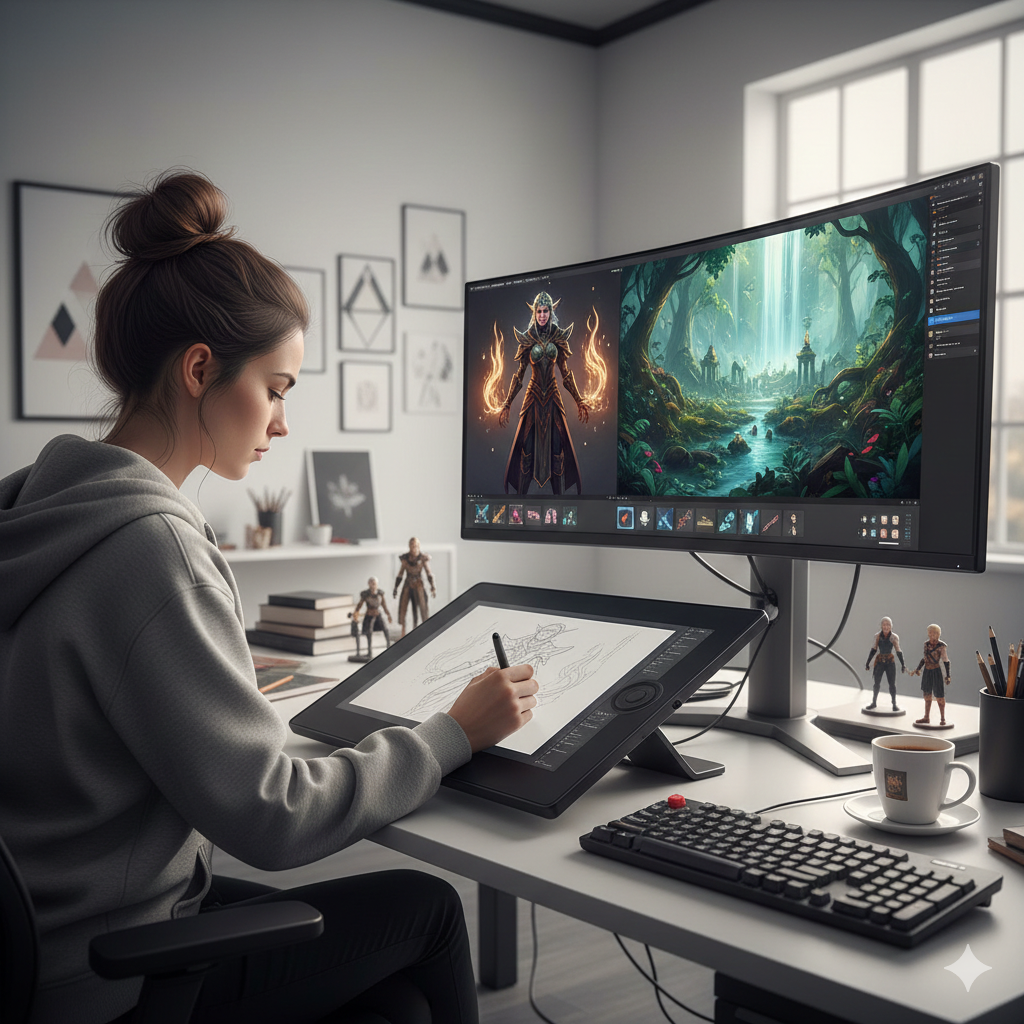
- Drawing tablets and digital workflows
- Traditional drawing tools for fundamentals
Who Should Join This Course
- Beginners passionate about animation
- Art and design students
- Aspiring 2D animators
- Content creators and storytellers
- Students preparing for animation careers or higher studies
Why Choose Ankona School of Arts
Ankona School of Arts focuses on fundamentals-driven, industry-relevant animation education. Our diploma program emphasizes drawing strength, animation clarity, and creative storytelling, ensuring students don’t just learn software—but learn how animation truly works.
We guide students step by step, from basics to advanced animation projects, helping them build confidence and a professional mindset.
Career Opportunities After Completion
- 2D Animator
- Junior Animation Artist
- Storyboard Artist
- Character Animator
- Animation Freelancer
- Content Creator for Digital Platforms
Course Format
- Online live classes
- Structured assignments & projects
- Mentor feedback and guidance
- Flexible learning pace
- Certificate on completion
Course Curriculum & Details
Semester 3: Digital Animation Techniques
Week 9: Introduction to Toon Boom Harmony
- Overview of Toon Boom Harmony interface and tools
- Creating and managing layers in Toon Boom
- Basic animation exercises in Toon Boom
Week 10: Advanced Character Animation (Toon Boom Harmony)
- Animating complex characters
- Adding secondary actions
- Facial expressions and lip-syncing
Week 11: Background and Layout Design
- Principles of background design
- Creating detailed backgrounds and layouts
- Integrating characters with backgrounds
Week 12: Scene Composition and Camera Movements
- Scene composition techniques
- Camera movements and pans
- Creating dynamic scenes with camera actions
Semester 1: Introduction to 2D Animation
Week 1: Animation Fundamentals
- Overview of animation history and principles
- Introduction to animation tools and software
- Basic drawing techniques
Week 2: Classical Animation Basics
- Understanding the animation workflow
- Keyframes, in-betweens, and timing
- Introduction to flipbooks and simple animation exercises
Week 3: Software Familiarization (Adobe Animate)
- Overview of Adobe Animate interface and tools
- Creating and managing layers
- Basic animation using Adobe Animate
Week 4: Simple Character Animation
- Designing simple characters
- Basic walk cycle and run cycle animations
- Understanding squash and stretch
Semester 2: Advanced Classical Animation Techniques
Week 5: Traditional Animation Techniques
- Advanced keyframe animation
- In-depth study of the 12 principles of animation
- Frame-by-frame animation exercises
Week 6: Character Design and Development
- Creating detailed character model sheets
- Expressions and character poses
- Turnarounds and character rotations
Week 7: Storyboarding
- Fundamentals of storyboarding
- Creating a storyboard for a short animation
- Planning and organizing shots
Week 8: Animatic Creation
- Converting storyboards into animatics
- Timing and pacing in animatics
- Adding basic sound effects and dialogue
Gallery