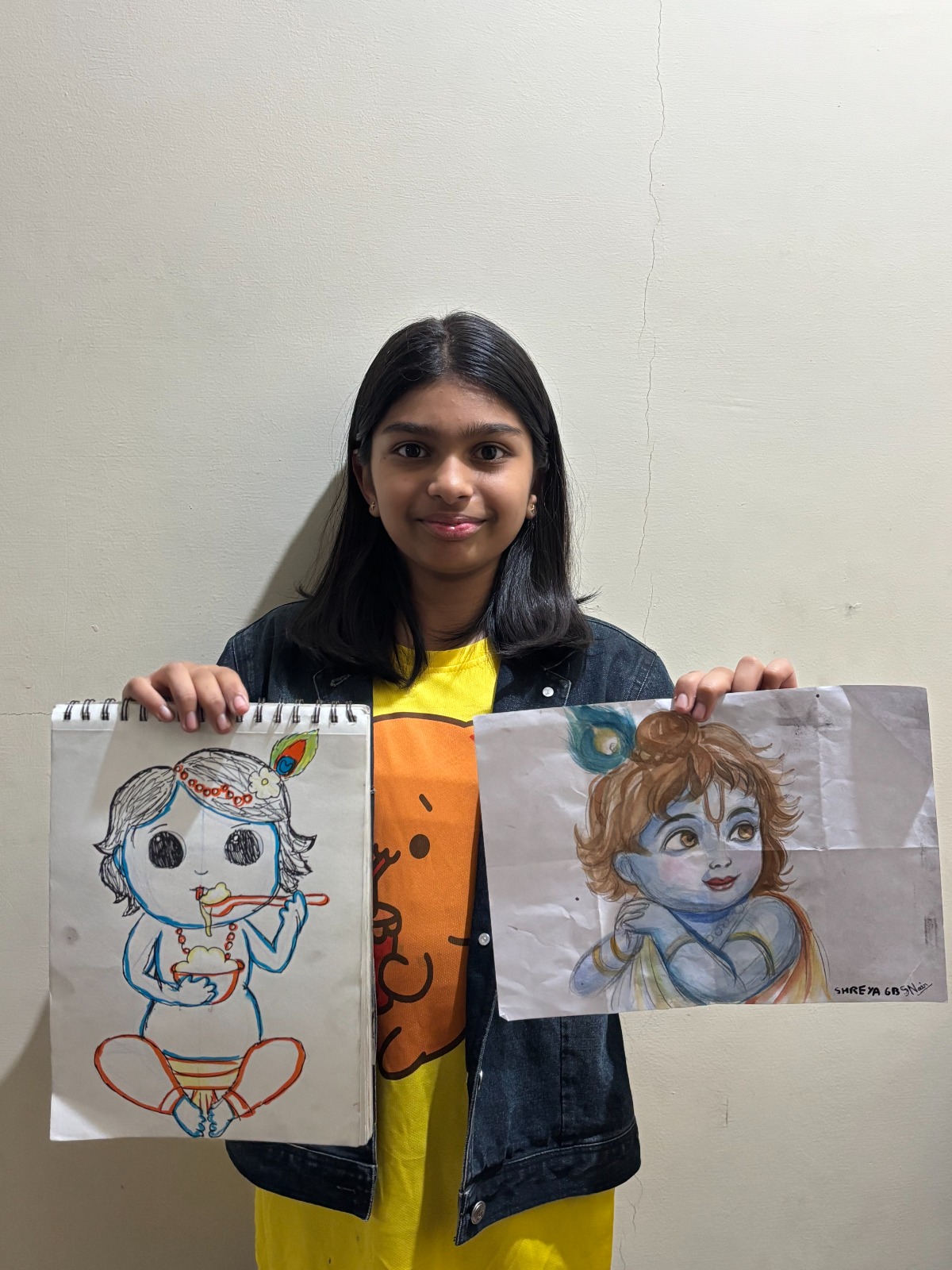
DIGITAL PAINTING ROADMAP
Digital painting is one of the most in-demand creative skills today. From animation and gaming to illustration and freelancing, digital artists are finding opportunities across industries. If you are a beginner and feel confused about where to start, what to learn, and how long it takes, this complete roadmap will guide you step by step.
This guide is written for absolute beginners, students, working professionals, and parents who want a clear and practical learning path.
What Is Digital Painting?
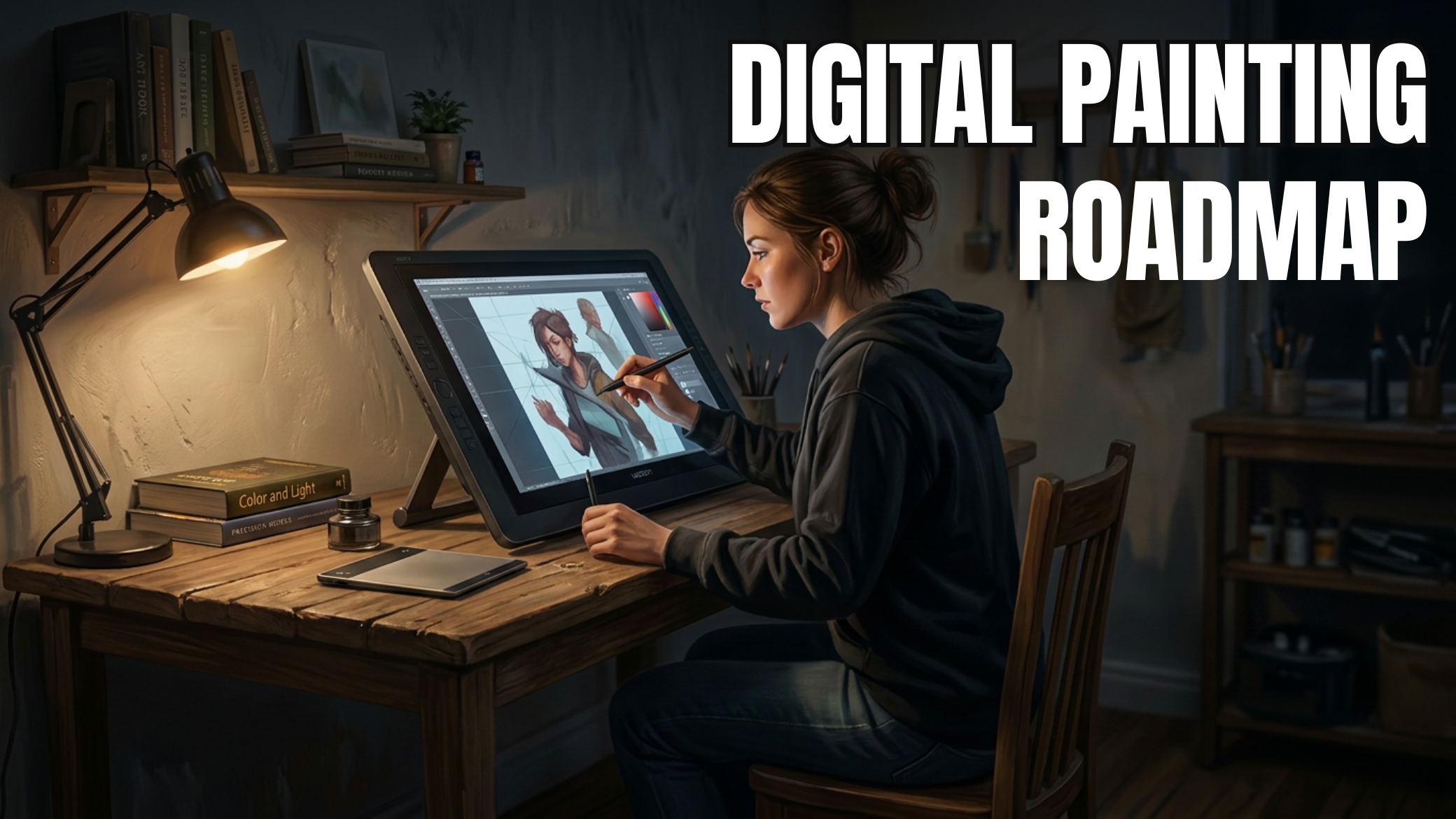
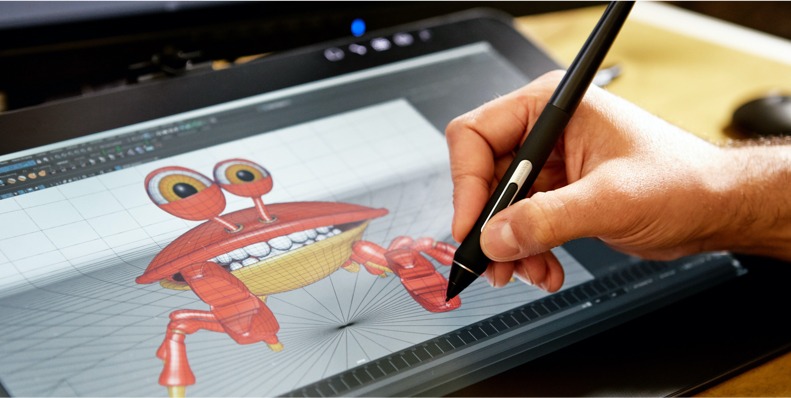
Digital painting is the process of creating artwork using digital tools such as a drawing tablet, stylus, and software like Photoshop, Krita, or Procreate. Unlike traditional painting, digital art allows artists to:
• Work with layers
• Undo mistakes instantly
• Experiment freely with colors and brushes
• Create professional-quality artwork
Digital painting is widely used in films, animation, games, comics, book illustration, advertising, and online content.
Who Can Learn Digital Painting?
Digital painting is suitable for:
• Absolute beginners with no drawing background
• School and college students
• Working professionals looking for a creative skill
• Traditional artists shifting to digital
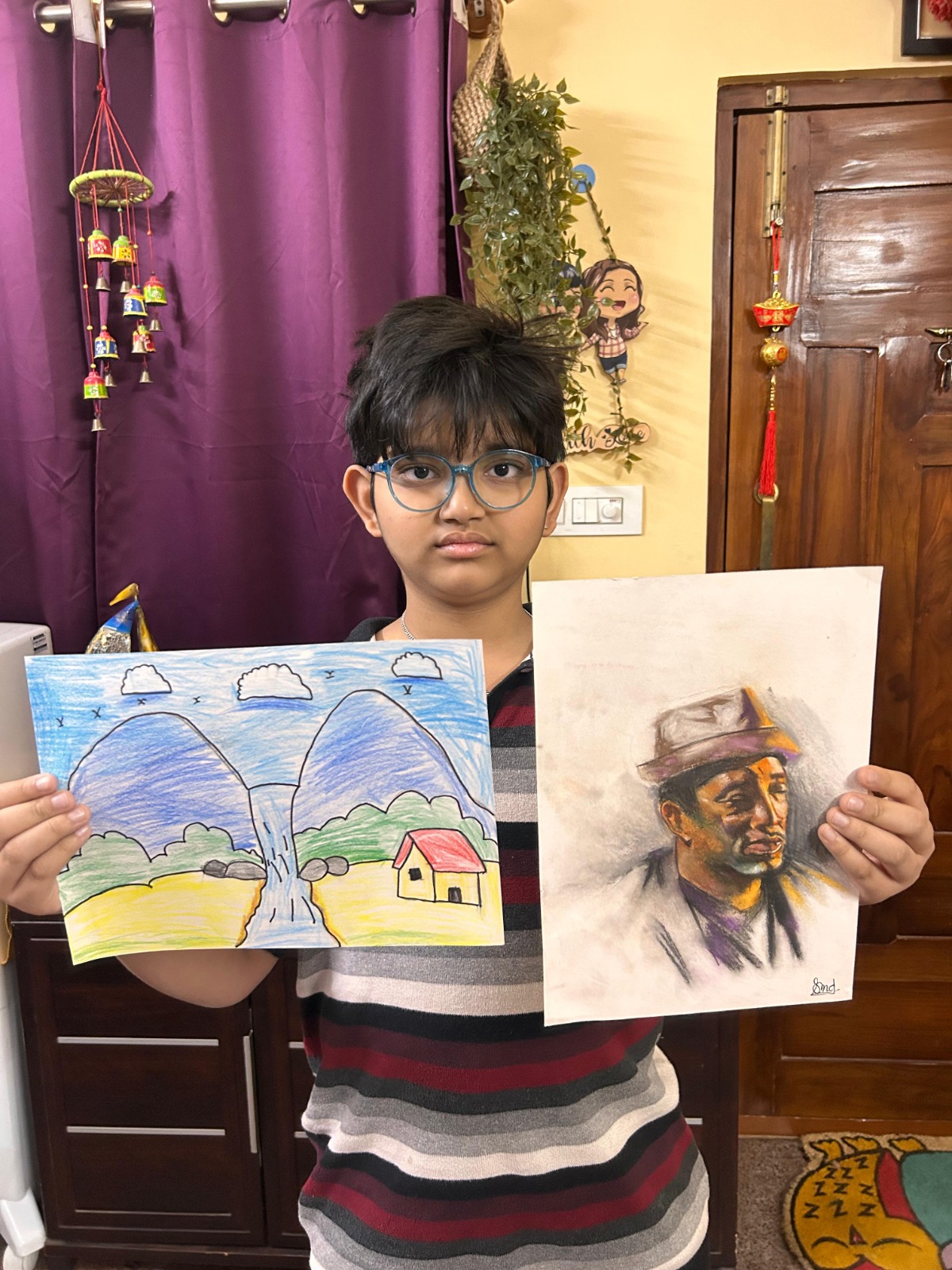
• Teenagers and kids (8+ years) with interest in art
You do not need talent or expensive equipment to begin.
You need the right roadmap and guidance.
Step 1: Build Strong Drawing Fundamentals
This is the most important step and the most ignored.
Before starting digital tools, beginners must learn:
• Line control and confidence
• Basic shapes (cube, sphere, cylinder)
• Light and shadow
• Simple perspective
Strong fundamentals make digital painting easier, faster, and more professional.
Step 2: Choose the Right Digital Tools
You do not need costly devices at the beginning.
Basic Requirements:
• Drawing tablet (Wacom, XP-Pen, Huion)
• Stylus pen
• Laptop or desktop computer
Beginner-Friendly Software:
• Krita (free, powerful)
• Adobe Photoshop (industry standard)
• Procreate (for iPad users)
A good digital painting course helps you choose tools based on budget and goals.
Step 3: Learn Digital Painting Basics
Digital painting is different from traditional painting. You must learn:
• Brush control
• Layer management
• Opacity and blending modes
• Selection tools
• Clean workflow
These basics form the foundation of all professional digital artwork.
Step 4: Master Color Theory for Digital Art
Color is what brings digital paintings to life.
Beginners should understand:
• Color wheel and harmony
• Warm vs cool colors
• Light temperature
• Mood and storytelling through color
Without color theory, even good drawings look flat.
Step 5: Practice with Structured Assignments
Random practice slows progress.
Effective digital painting learning includes:
• Guided exercises
• Reference-based studies
• Daily short practice sessions
• Mentor feedback and correction
This is why structured digital painting courses produce better results than self-learning alone.
Step 6: Learn Advanced Digital Painting Techniques
Once basics are strong, move to:
• Skin tones and facial lighting
• Texture painting
• Edge control
• Background and environment painting
• Character and concept art basics
These skills take your artwork from beginner to professional level.
Step 7: Build a Professional Digital Art Portfolio
A beginner-friendly portfolio should include:
• Character portraits
• Color studies
• Environment paintings
• Finished digital artworks
A strong portfolio helps you:
• Get freelance work
• Apply to studios
• Build online presence
• Sell artwork
Step 8: Career & Income Opportunities After Digital Painting
Digital painting opens multiple earning paths:
• Freelance illustration
• Concept art for games and films
• Book and cover illustration
• Online teaching and content creation
• Print and digital art sales
Many artists start part-time and grow into full-time professionals.
Common Mistakes Beginners Should Avoid
• Skipping drawing fundamentals
• Buying expensive tools too early
• Learning from random YouTube videos
• Practicing without feedback
• Expecting instant results
Avoiding these mistakes saves time, money, and frustration.
Why Learn Digital Painting from Ankona School of Art?
Ankona School of Art offers a step-by-step digital painting course designed for beginners.
What Makes Ankona Different:
• 25+ years of teaching and industry experience
• Structured beginner-to-advanced roadmap
• Live classes with personal feedback
• Students from India, USA, UK, Canada, and Australia
• Focus on fundamentals, creativity, and confidence
Students learn correct techniques from day one, not shortcuts.
Start Your Digital Painting Journey Today
If you are serious about learning digital painting, start with a clear roadmap, strong fundamentals, and expert guidance.
- Join a Free Introductory Digital Painting Class
- Get Personal Career Guidance
- Enroll in Beginner-Friendly Digital Painting Course
Digital painting is a skill that can shape your creative future. The right start makes all the difference.
________________________________________
Ankona School of Art – Where Creativity Meets Professional Training