
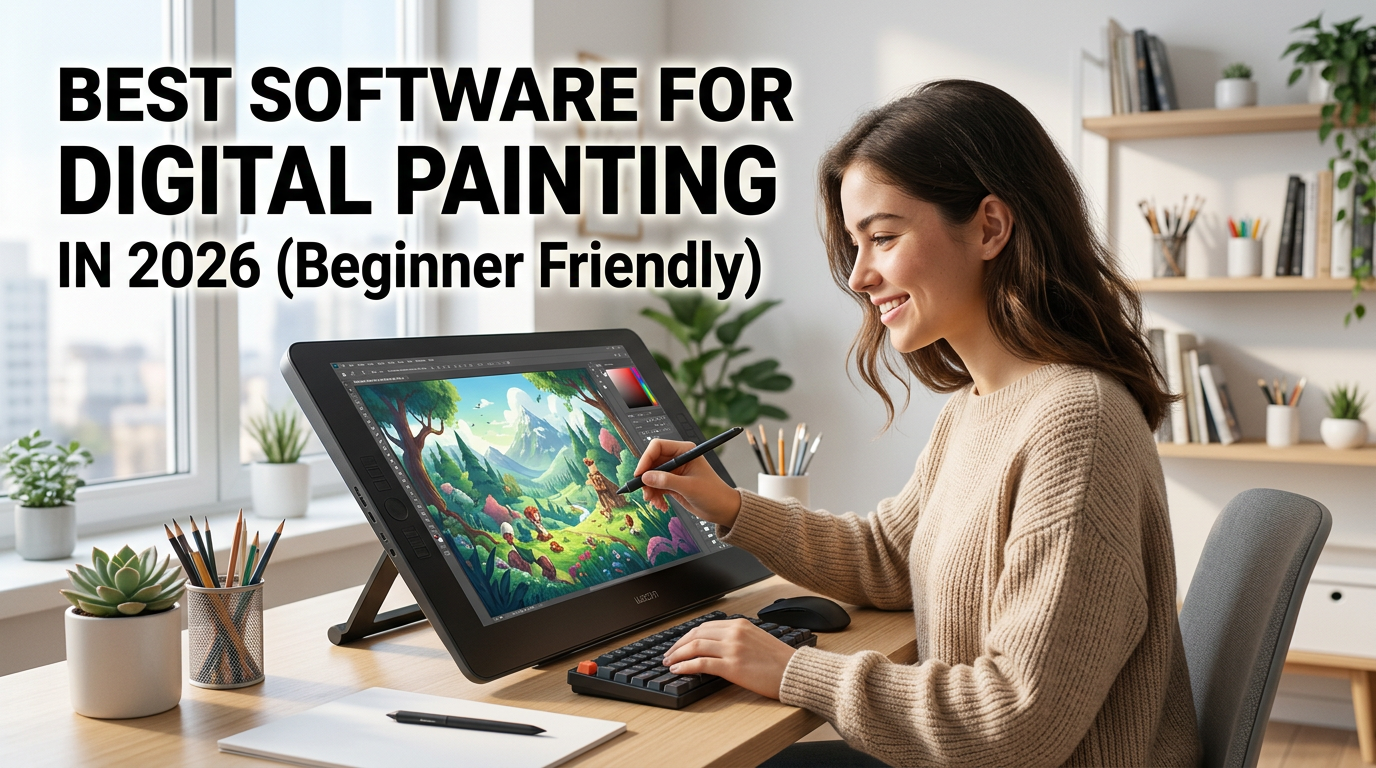
Digital painting has become one of the most popular forms of creative expression in recent years. From concept art and character design to illustrations and social media graphics, artists now have access to powerful tools that make creating digital artwork easier than ever.
However, choosing the right software can be challenging, especially for beginners. With so many options available, it is important to find a program that matches your skill level, budget, and artistic goals.
This guide explores the best digital painting software in 2026 and helps beginners choose the right tool to start their artistic journey.
The software you choose can greatly influence your learning experience. A beginner-friendly program allows you to focus on developing your artistic skills without becoming overwhelmed by complicated features.
When selecting digital painting software, consider the following factors:
Let's explore some of the best options available in 2026.
Krita remains one of the most highly recommended digital painting programs for beginners and professional artists alike.
As an open-source application, Krita provides advanced painting features without any cost, making it an excellent choice for students and aspiring artists.
Procreate continues to be one of the most popular digital painting applications for iPad users.
Its intuitive interface and powerful painting engine make it easy for beginners to start creating artwork while providing enough advanced tools for experienced artists.
Adobe Photoshop remains one of the most widely used creative applications in the world.
Although originally designed for photo editing, Photoshop offers powerful digital painting and illustration tools that professionals rely on across various industries.
Clip Studio Paint is particularly popular among illustrators, comic artists, and character designers.
Its specialized drawing tools help artists create detailed artwork efficiently and accurately.
Corel Painter is designed for artists who want to recreate the look and feel of traditional painting techniques digitally.
The software offers realistic simulations of oils, watercolors, charcoal, and other traditional mediums.
The best software depends on your goals and available devices.
Choose Krita. It provides professional-quality tools without any cost.
Choose Procreate. Its intuitive design and performance make it one of the best mobile digital painting applications available.
Choose Adobe Photoshop. It is widely used by professionals across multiple creative industries.
Choose Clip Studio Paint. Its specialized illustration features make the creative process more efficient.
Choose Corel Painter. It offers one of the most realistic traditional painting experiences available digitally.
Before worrying about advanced tools, learn:
Many beginners spend too much time downloading brush packs. Learning with a small set of brushes often produces better results.
Regular practice is more effective than occasional long sessions. Even 30 minutes of daily practice can lead to significant improvement over time.
Most software platforms offer extensive tutorials that help beginners understand tools and techniques more effectively.
Krita remains one of the best free digital painting software options available due to its professional features and active development.
Yes. Procreate offers an intuitive interface and powerful tools that make it highly suitable for beginners.
Yes, but using a drawing tablet provides greater precision and a more natural drawing experience.
Adobe Photoshop, Clip Studio Paint, and Corel Painter are widely used by professionals depending on their specific artistic needs.

Choosing the best digital painting software in 2026 depends on your creative goals, preferred device, and budget. For beginners, Krita remains the strongest free option, while Procreate offers an excellent experience for iPad users. Artists seeking professional-level tools may prefer Adobe Photoshop or Clip Studio Paint.
Regardless of the software you choose, consistent practice and a strong understanding of artistic fundamentals will have the greatest impact on your growth as a digital artist.
At Ankona School of Art, we provide:
Live Online Art Classes
Step-by-Step Drawing Training
Digital Art & Animation Learning
Personalized Mentorship for Students
https://docs.google.com/forms/d/1wMxiB9J68iqInDYvIhlapMrZAnDJgwgYBxJvnldmEp8/viewform
🎨 Online & Offline Classes Available
👨🏫 Expert Mentorship
📈 Beginner to Advanced Learning Path
https://wa.me/9 18861505200?text=Hello%20Ankona%20School%20of%20Art,%20I%20want%20to%20know%20more%20about%20your%20art%20courses.
https://www.ankona.in