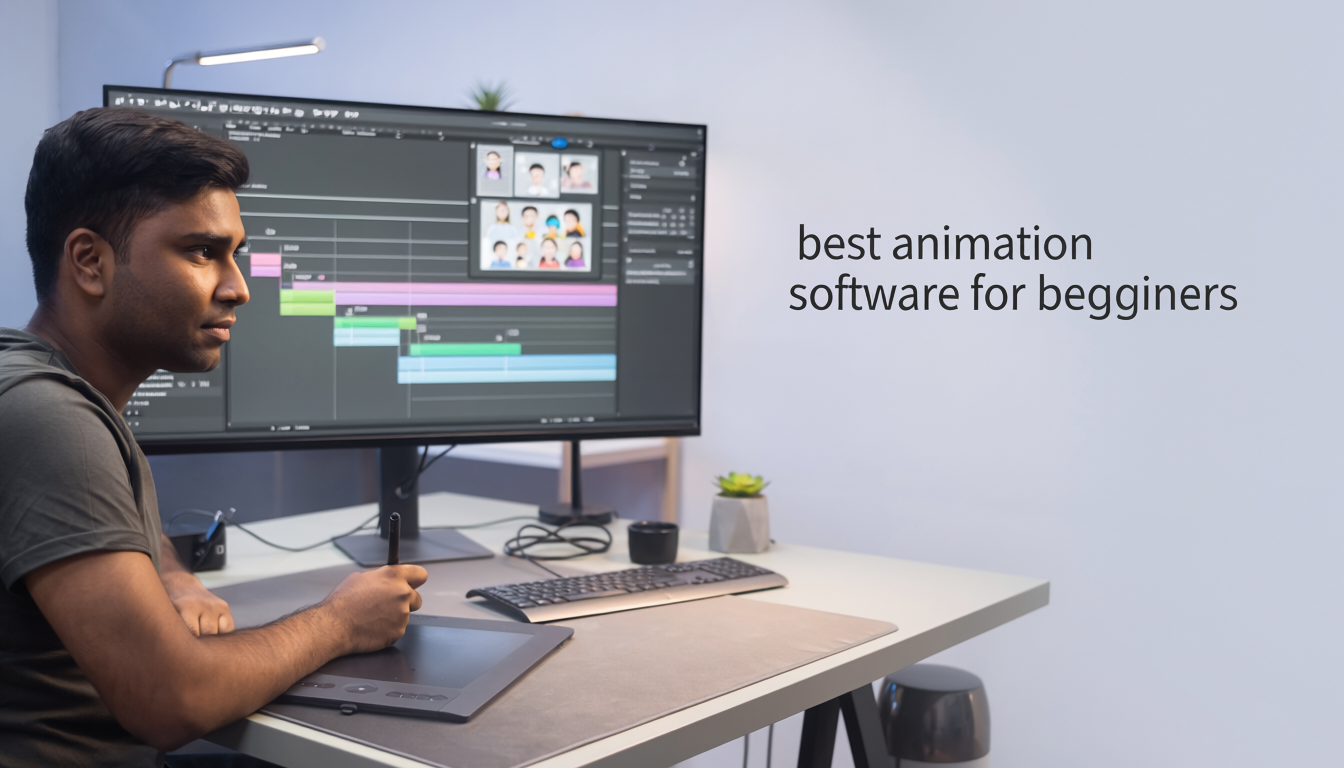
Choosing the right animation software can make learning easier and more enjoyable. With so many options available, beginners often feel overwhelmed.
This guide explores the best animation software for beginners and helps you find the perfect tool based on your goals and budget.
What Should Beginners Look For?
Good beginner animation software should offer:
-
Easy interface
-
Learning resources
-
Affordable pricing
-
Strong community support
-
Powerful animation tools
1. Blender
Best For: 3D Animation
Blender is one of the most popular animation programs in the world.
Features:
-
Free and open-source
-
Professional-grade tools
-
3D modeling and animation
-
Rendering and visual effects
Pros
-
Completely free
-
Huge community
-
Industry-level features
Cons
-
Learning curve can be steep
2. Pencil2D
Best For: Basic 2D Animation
Pencil2D is designed specifically for beginners.
Features:
-
Lightweight software
-
Easy-to-use interface
-
Traditional hand-drawn animation
Pros
-
Free
-
Beginner-friendly
-
Simple design
Cons
-
Limited advanced features
3. Krita
Best For: Digital Artists Learning Animation
Krita combines digital painting and animation.
Features:
-
Drawing tools
-
Animation timeline
-
Professional brushes
Pros
-
Free
-
Excellent for artists
Cons
-
Limited advanced animation features
4. OpenToonz
Best For: Traditional Animation
OpenToonz has been used in professional productions.
Features:
-
Advanced animation tools
-
Scene management
-
Effects system
Pros
-
Free
-
Professional capabilities
Cons
-
Interface may feel complex
5. Adobe Animate
Best For: Professional 2D Animation
Adobe Animate is widely used for web and commercial animation.
Features:
-
Vector animation
-
Interactive content creation
-
Professional workflow
Pros
-
Industry-standard software
-
Excellent support
Cons
Free vs Paid Animation Software
Free Software
-
Blender
-
Krita
-
Pencil2D
-
OpenToonz
Best for beginners and students.
Paid Software
-
Adobe Animate
-
Toon Boom Harmony
Best for professional work and advanced projects.
Which Software Should You Choose?
Choose:
-
Blender → 3D Animation
-
Pencil2D → Complete Beginners
-
Krita → Artists and Illustrators
-
OpenToonz → Traditional Animation
-
Adobe Animate → Professional 2D Work
Final Verdict
For most beginners, Blender and Pencil2D offer the best combination of learning opportunities, powerful features, and affordability. Start with one tool, master the basics, and upgrade only when necessary.
Start Learning with Ankona School of Art Today
At Ankona School of Art, we provide:
Live Online Art Classes
Step-by-Step Drawing Training
Digital Art & Animation Learning
Personalized Mentorship for Students
Join one of the best online art classes in India and start your creative journey today.
Enroll now or book a demo class with Ankona School of Art.
https://docs.google.com/forms/d/1wMxiB9J68iqInDYvIhlapMrZAnDJgwgYBxJvnldmEp8/viewform
Ready to Improve Your Drawing Skills?
Join Ankona School of Art and learn drawing, painting, digital art, animation, and creative skills through our step-by-step training programs.
🎨 Online & Offline Classes Available
👨🏫 Expert Mentorship
📈 Beginner to Advanced Learning Path
📩Book Your Free Demo Class Today!
Contact us {click link to join}
https://wa.me/9 18861505200?text=Hello%20Ankona%20School%20of%20Art,%20I%20want%20to%20know%20more%20about%20your%20art%20courses.
STAY TUNED FOR UPCOMING UPDATES IN
https://www.ankona.in